WhoEmployees whose Primary Menu is System
WhereThe button
FirstClick an employee in the Employees list
About
The System screen is for employees only. Locations, Referral Sources, Authorizing Agencies, Insurance Carriers and the Lookup Tables are on the screen.
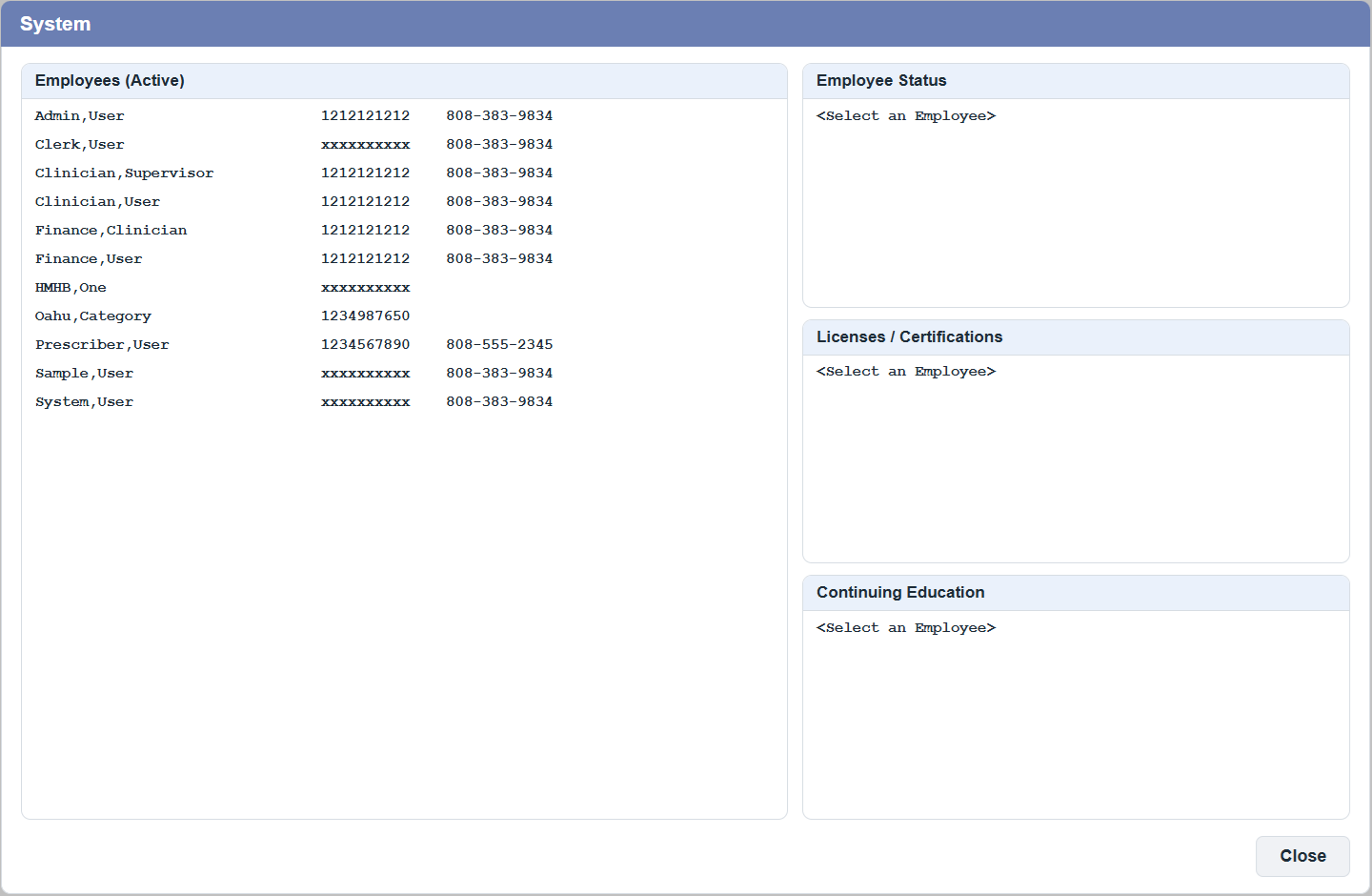
Click an employee: the other lists show that employee's Statuses, Licenses / Certifications and Continuing Education. Click any line to open its menu. An empty list still has one line, so you can open its menu.
| List | Menu | Page |
|---|
| Employees | Active Employees · All Employees · New · Edit · View · New Status · Relations · Service/Departments · Category ▸ · Passwords ▸ · Continued Education ▸ · Internal Employee Number · eSignature(s) ▸ · Images ▸ | Employees, Passwords, eSignatures and Images |
| Status | New Status · Edit · View | Employees |
| Licenses / Certifications | New License/Certification · Edit · View | Licenses and CE |
| Continuing Education | New CE (for employee) · New CE (multiple employees) · Edit CE · View CE | Licenses and CE |
Inactive employees are shown in grey when you choose .