WhoSystem users only
Where and
Internal Client Number
Every client has a number inside PsyTrace. shows it for the client on the main screen, with who registered the client and when.
Merging a duplicate
When the same person was registered twice, her/his records are split between two clients. Merging moves everything of the duplicate — Episodes, encounters, insurance, authorizations, diagnoses, statuses, invoices, payments, images, signatures — to the client you keep.
- Choose the duplicate on the main screen and write down its number ().
- Choose the client to KEEP on the main screen.
- , type the duplicate's Internal Number and click Show.
- Look at the two clients side by side: number, name, birth date, active, and how many Episodes, encounters and invoices each has.
- If they really are the same person, click Merge and confirm.
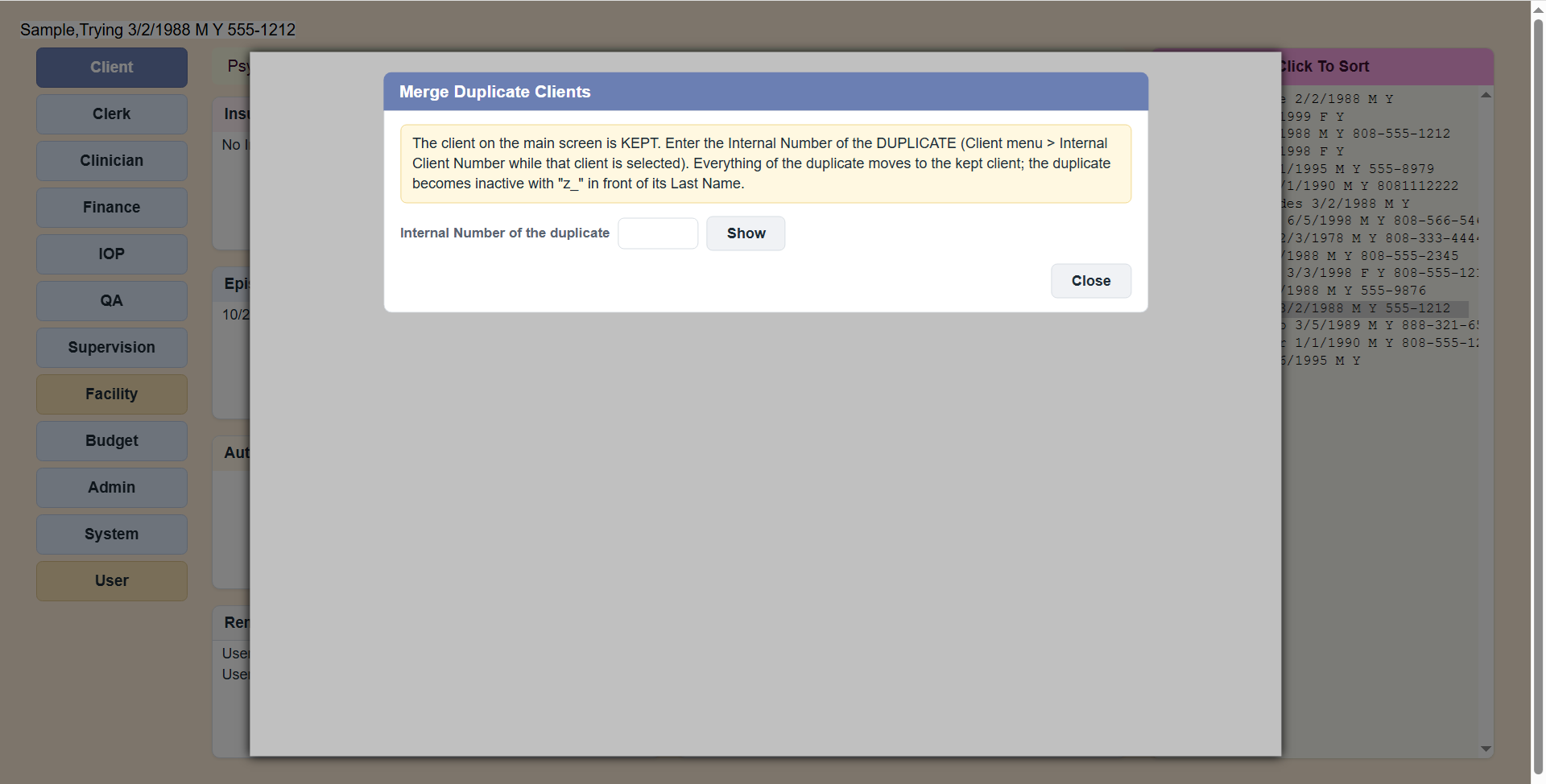 Merge Duplicate Clients: the client on the main screen is kept; type the duplicate's number and click Show.
What happens
- All records move to the kept client in one step (all or nothing).
- The duplicate is made inactive and gets "z_" in front of its last name, so it sorts at the end and is easy to recognize.
- PsyTrace lists how many records moved, and writes it all in the audit trail.
A merge cannot be undone from the menu. Check twice which client is kept (the one on the main screen) and that the two are the same person: same birth date, same address, same insurance.