WhoEvery user
WhenAt login, when PsyTrace asks for a new password
Forgotten?Your System administrator resets it
The rules
A new password must have:
- 12 to 64 characters;
- at least one digit (1 to 9);
- upper AND lower case letters;
- at least one of these symbols:
# $ % ^ *
- and it cannot be your current password, nor one of your last four.
A sentence you can remember works well, for example Ocean#View2026sunrise (do not use this one!).
Changing your password
PsyTrace shows the Change Password page by itself right after you log in when:
- your administrator has just created your account or reset your password, or
- your password has expired.
- Type the new password in New Password.
- Type it again in Verify Password.
- Click Save. If a rule is not met, the page tells you which one.
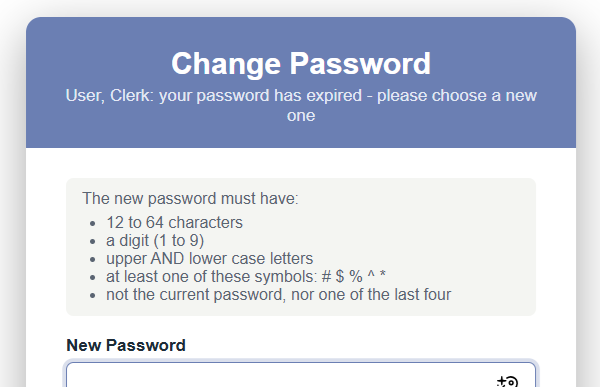 Change Password: the rules are listed on the page.
Forgotten password
Nobody can look up your password — not even the administrator: PsyTrace keeps only a one-way, scrambled copy of it. Ask your System administrator to reset it (System › Employees › Passwords). You then log in with the temporary password they give you, and PsyTrace asks you to choose a new one.
Keep it safe. Never write your password where others can see it, never send it by e-mail, and never let a colleague use your login: every record you file carries your name.