WhoFinance users (often the front desk)
WhereFinance screen › Invoices list
FirstClick the encounter in the Encounters list
Recording a co-pay
- Click the encounter, then the Invoices list › .
- Date, Amount Charged (the co-pay), a short text. Save Invoice.
- Paid today? Click the new invoice › , payer Client, the amount, and Close the invoice. See Payments.
Not paid yet? Leave the invoice open: it reminds you the money is still due.
A co-pay never bills the encounter. The encounter stays Not Billed until its claim goes to the insurance. The co-pay payment sets the encounter's Paid to P (Partial), or Y when the insurance has already paid.
Co-payments Letter
Invoices list › : a letter to the client, with your Service's address, listing every open Client invoice that still has a balance, and the total due. Print keeps a copy of the letter in the client's record. Nothing due = no letter.
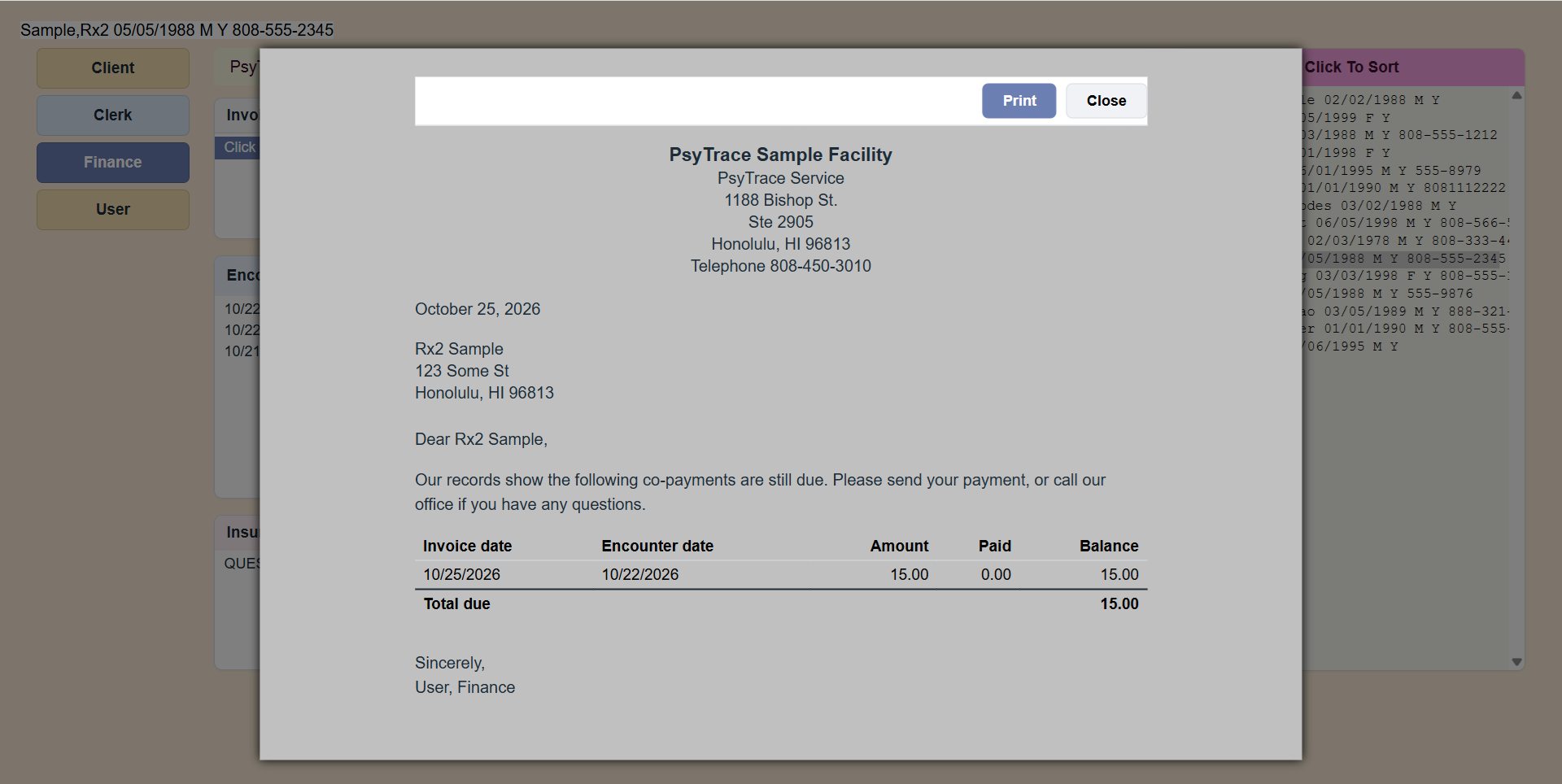 The Co-payments Letter: every open co-pay with a balance, and the total due.
Close All Client Invoices
Invoices list › closes every open Client invoice of your Facility (all clients) — for example at year end. It tells you how many and the unpaid balance, and asks first.
PsyTrace checks
- A Client invoice needs an encounter: click one first.
- Deleting (rolling back) a Client invoice or reversing a co-pay never changes the encounter's Billed status; Paid is worked out again from what is left.