WhoEvery user
WhereClerk screen › click the Episode, then the Contacts list ›
Belongs toThe Episode of Care
About contacts
Contacts record non-clinical information — anything from a phone call with a relative to a fax from the insurance company. A clerk taking a call from a parent writes, for example, "John's father called: worried his son has not been seen by the therapist yet." Finance staff note that an authorization letter arrived; clinicians note a conversation with an insurance company.
Contacts also show the real workload of a clinic: much time goes into talking with parents, teachers, relatives, probation officers, agencies and insurance companies, and it is usually never counted.
No confidential clinical information in contacts. Clinical content belongs in an encounter: use a non-billable procedure (e.g. code "Contact") and write it in a non-billable encounter.
Entering a contact
- Click the Episode in the Episodes list, then a line of the Contacts list (or No Contacts) › .
- Contact Date, Type (from your facility's list of contact types) and the Employee who had the contact (List).
- Person(s) Contacted and the Note (Import Note Text for a pre-defined text).
- Click Save.
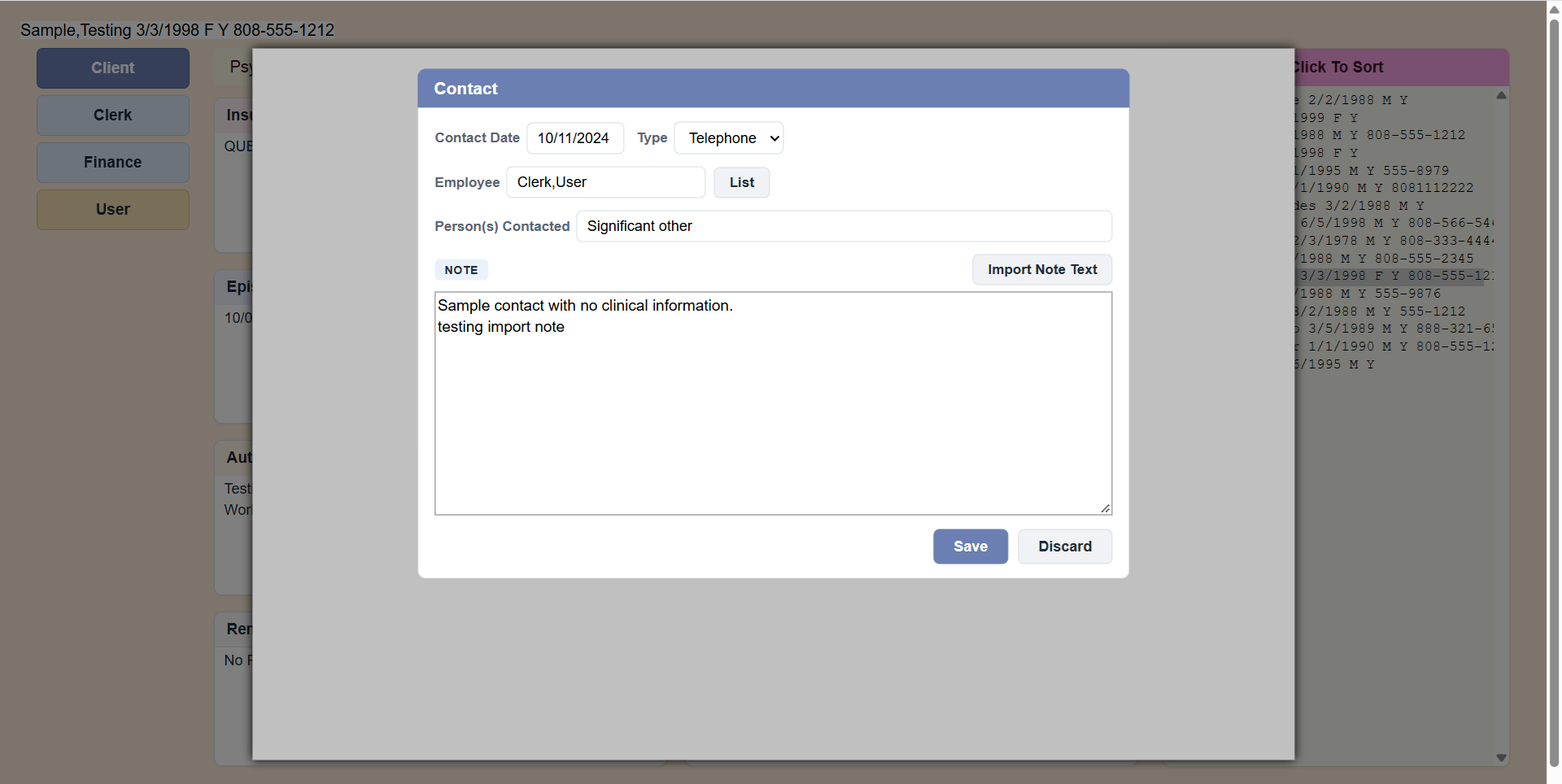 Sample Contact form.
PsyTrace checks
- Required: the Contact Date and the Contact Type.
- The Contact Date cannot be before the start of the Episode.
- A discharged Episode is locked: New and Edit Contact are dimmed.